Photo to coloring page app
Upload a picture, choose the level of detail, and turn it into a printable black-and-white coloring page. Download the PNG or print it when it looks right.
Drop a photo here, or click to upload
JPEG, PNG, or WebP — up to 10MB
Or try a sample photo
Real photo-to-page examples
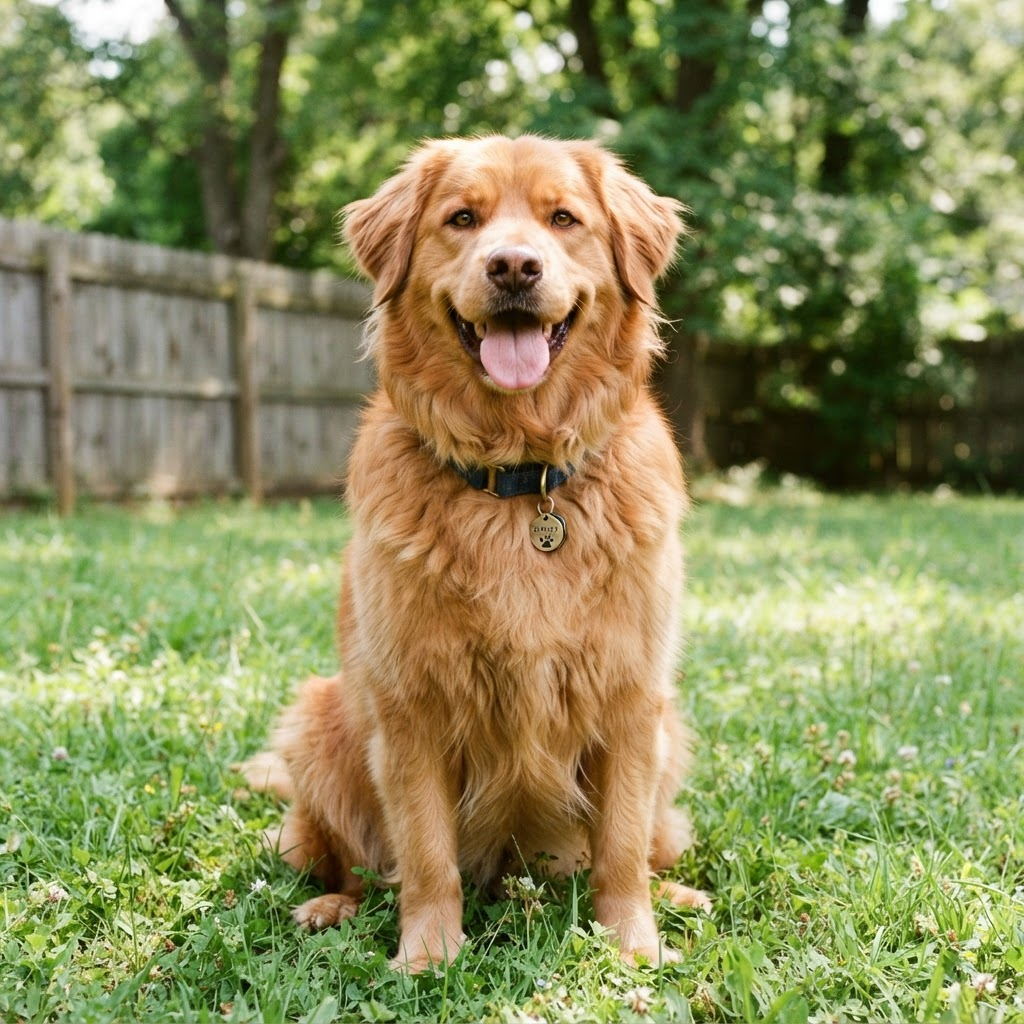
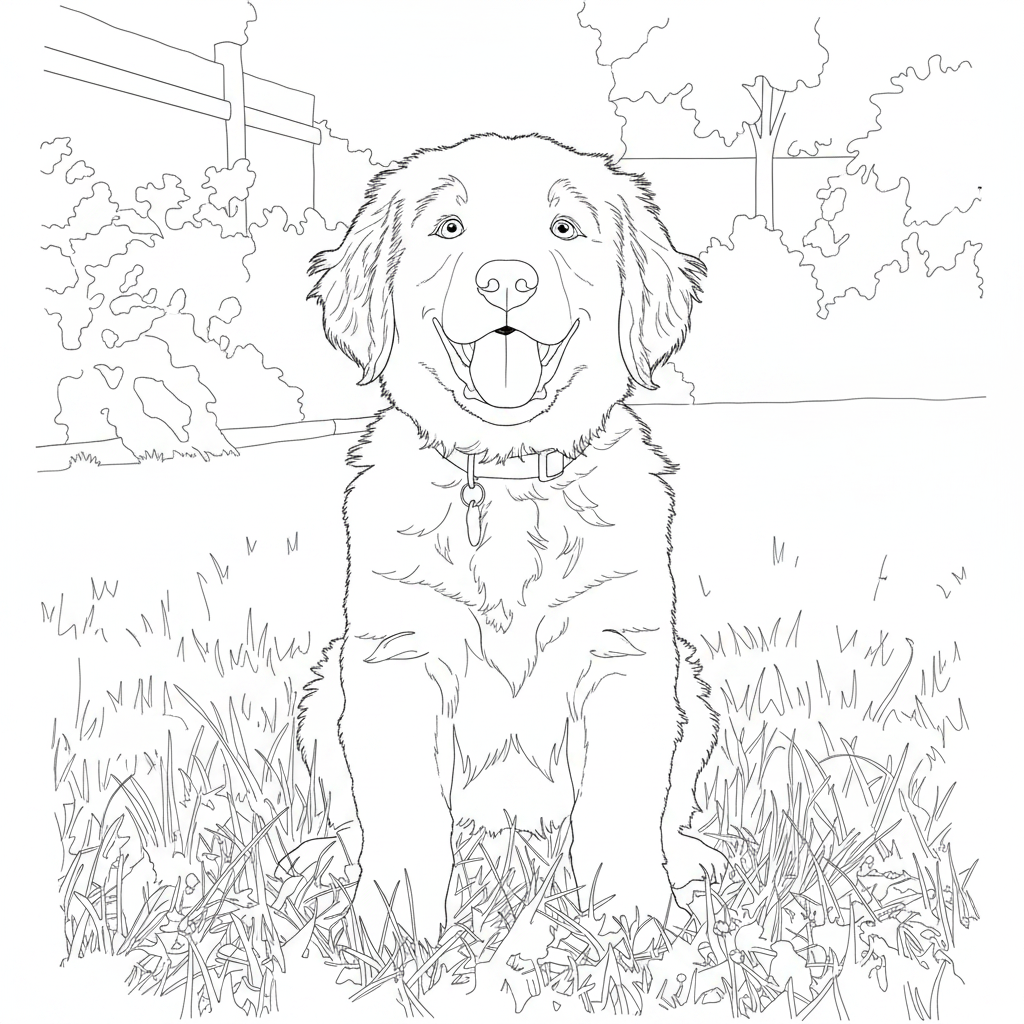
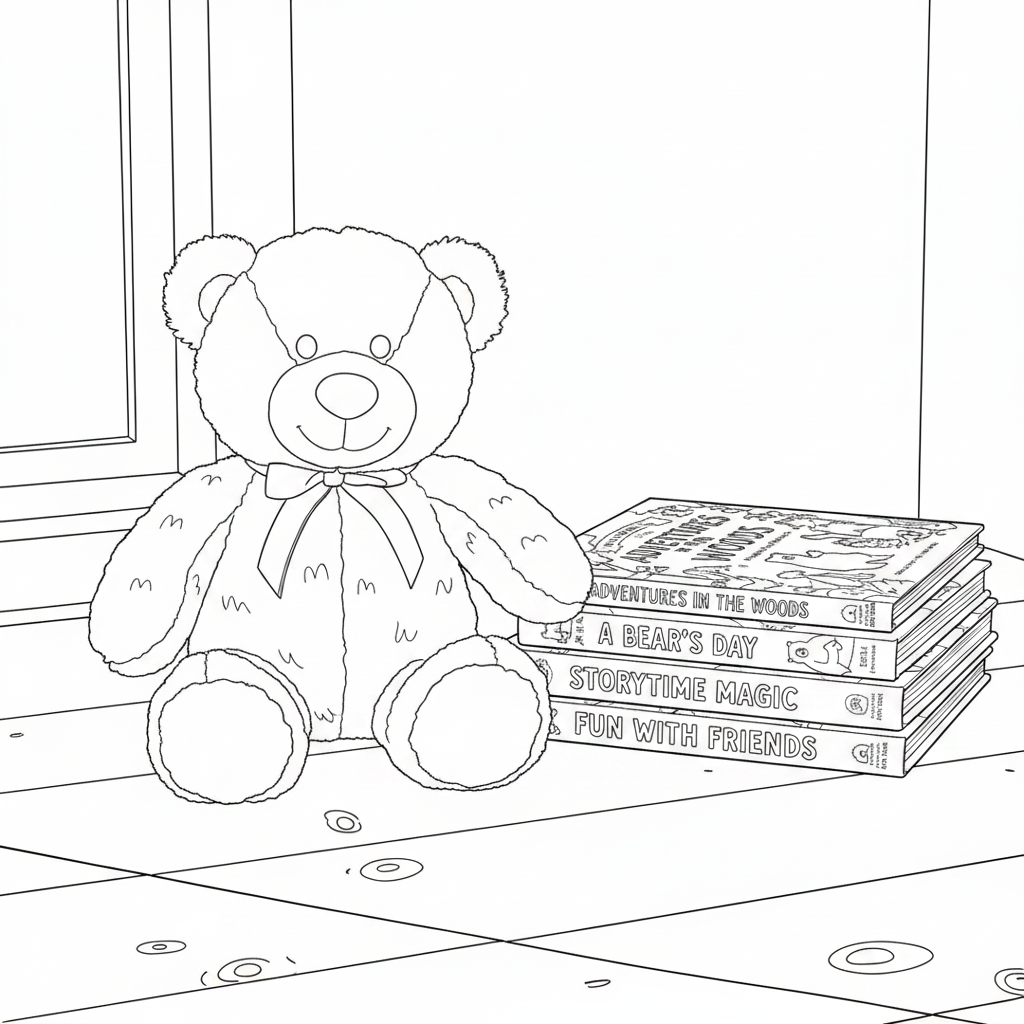
Each outline below was created from the paired sample photo using Kleerpy.
Before
After
Before

After
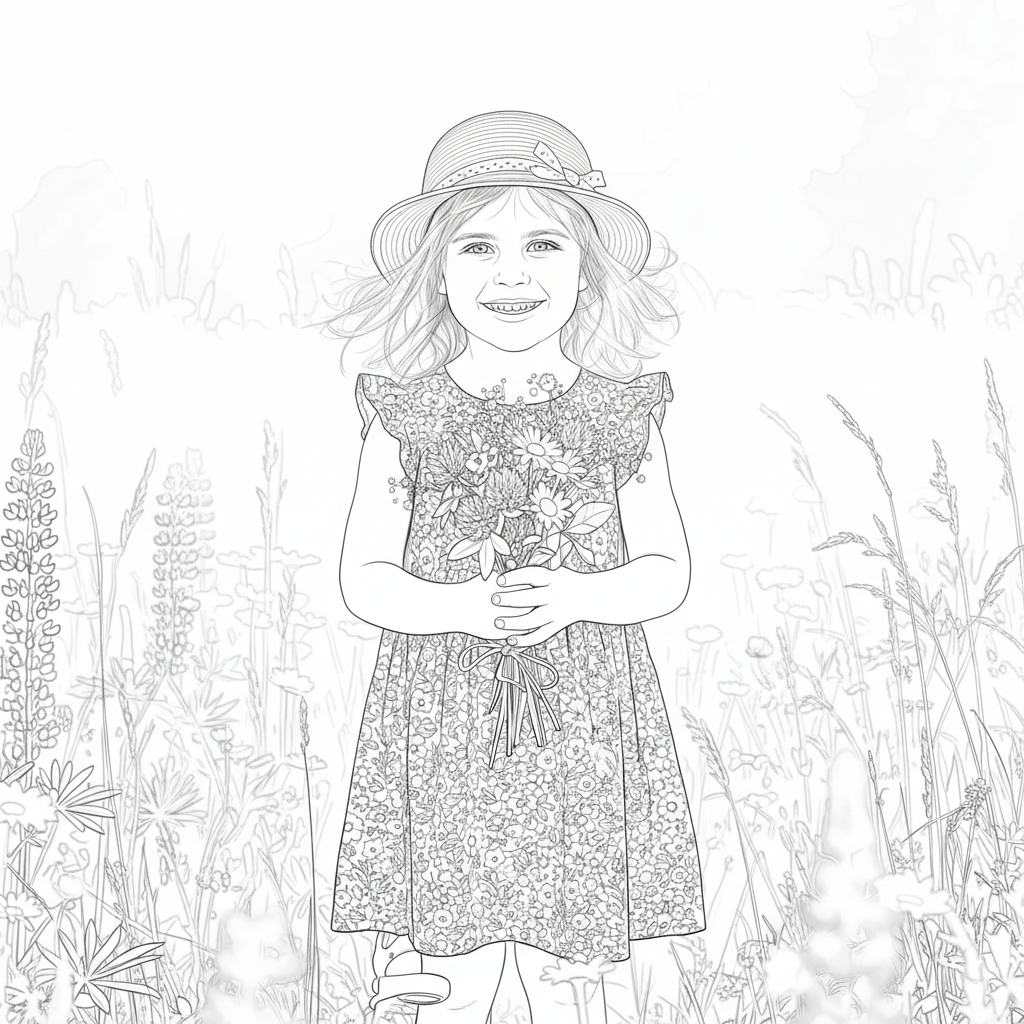
Before

After
From upload to printable page
- 1
Upload a photo
Choose a JPEG, PNG, or WebP image up to 10 MB.
- 2
Choose the detail
Pick simpler lines or more detailed line art.
- 3
Download or print
Save a PNG or print at the paper size you need.
Made for everyday moments
Parents
Turn a pet, toy, or family memory into a personal coloring activity.
Teachers
Make a classroom-friendly printable activity from a photo you may use.
Gifts
Create a thoughtful page for a birthday, party table, or family keepsake.
Need help choosing a photo?
Read our step-by-step guide to making a coloring page from a photo for crop, lighting, and print tips. For a quick suitability check, see which pictures work best.
Frequently asked questions
What file and printable format do I get?
Kleerpy accepts JPEG, PNG, and WebP photos up to 10 MB. Download the finished outline as a PNG, or use the print menu for Letter, A4, and other supported paper sizes.
Is the photo to coloring page app free?
Yes. You can create and download coloring pages for free, with no sign-up or watermark.
Are my photos private?
Your photo is processed to make the outline and is not stored in a database or shared. A third-party AI provider processes the image; see the privacy policy for details.
Does it work with people and pets?
Yes. Photos with one clear, well-lit person, pet, toy, or object usually make the clearest coloring pages. A closer crop can help when the background is busy.
Ready to make a printable page?
Upload a photo above to create your own coloring-page outline.
Start creating